Can I connect to PostgreSQL in this browser demo?
No. The embedded demo uses SQLite sample data in this tab. Download Rustable to connect to your PostgreSQL server. The browser demo does not run PostgreSQL or send SQL to your server.
 RustablePostgreSQL, with room to work.Download Rustable ↓
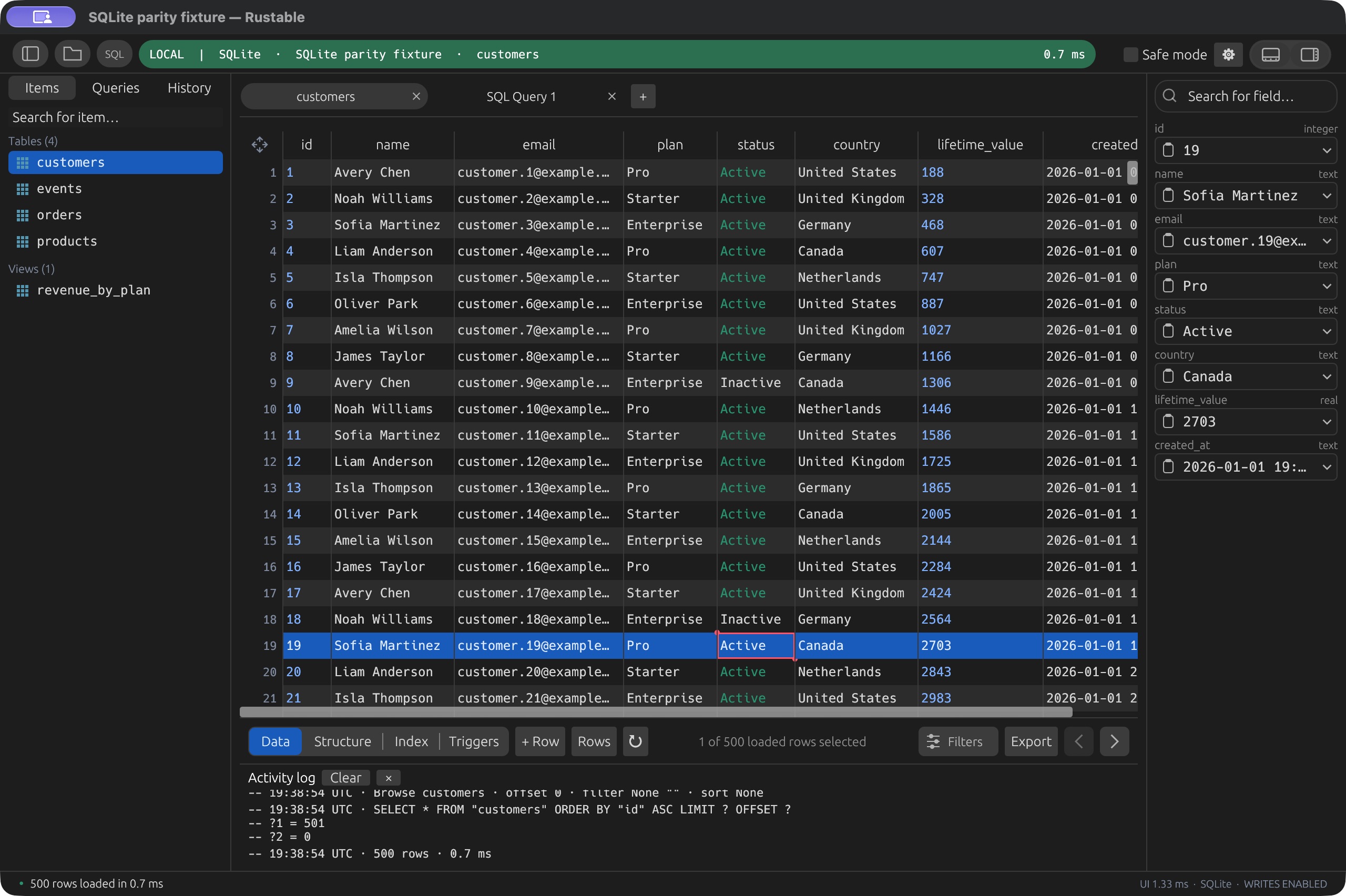
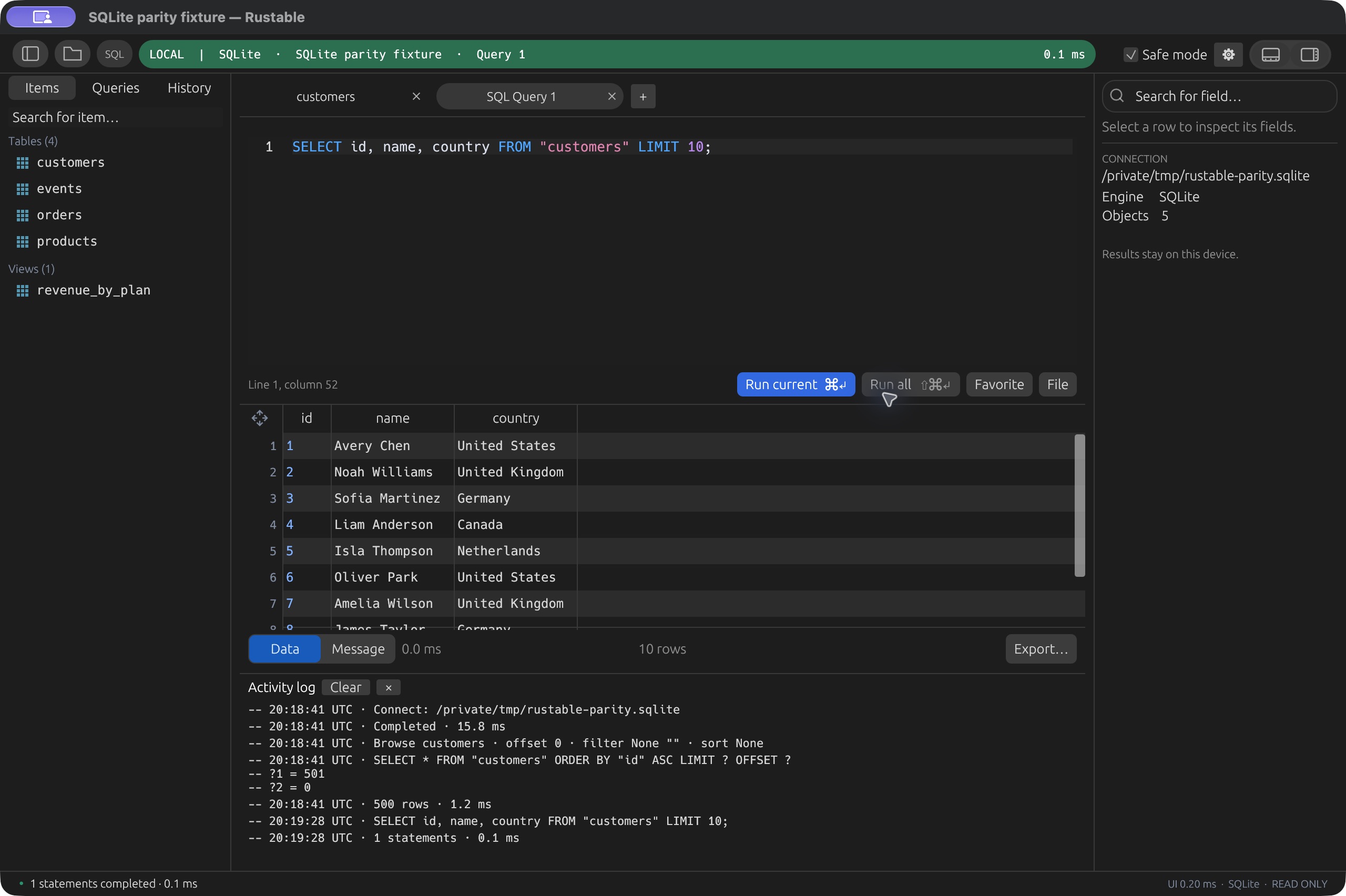
Browse tables, write SQL, and review changes before saving. Try the shared Rustable workspace below with a disposable SQLite database. Download the desktop app for your PostgreSQL server.
Real Rustable UI, compiled to WASM. This demo runs SQLite, not PostgreSQL, with disposable sample data. It shows the shared table browser, SQL editor and change-review workflow. PostgreSQL syntax and server connections require the desktop app. Reload resets the sample database; saved queries stay in this browser.
Yes, we support your silly OS as well. Windows and Linux users, you’re welcome.
v0.4.19 · Early software. macOS is signed and notarized. Release notes & checksums ↗Built for people who want to get their work done. Not clowns. 🤡 (Clowns may build from source.)
No. The embedded demo uses SQLite sample data in this tab. Download Rustable to connect to your PostgreSQL server. The browser demo does not run PostgreSQL or send SQL to your server.
If you are comparing PostgreSQL GUI clients, try the browsing and query workflow above. Rustable focuses on everyday SQL and data work across several database engines. It is an independent project and does not claim full pgAdmin administration coverage.
No. Row updates and deletes need a primary key and supported writable values. Safe mode can restrict writes, and reviewed GUI changes are separate from SQL you execute in the editor. See the capabilities and current limits for the details.
Yes. Rustable is MIT-licensed and built with Rust and egui. Native builds are available for macOS, Windows and Linux. It is early software; read the source on GitHub ↗ and check the release notes before adopting a workflow.
Native builds for macOS, Windows and Linux.